
Digital Passes provide you with a convenient way to access and use your purchased passes online, eliminating the need for physical cards or printed tickets. Through the Guest Portal, you can view your available passes and tickets anytime from your mobile device or computer.
Membership Passes
These digital membership passes can be scanned directly from a mobile device to access and redeem memberships associated with a guest or account. You can click the Print All Passes button if you wish to download a copy of all your passes to your computer or phone.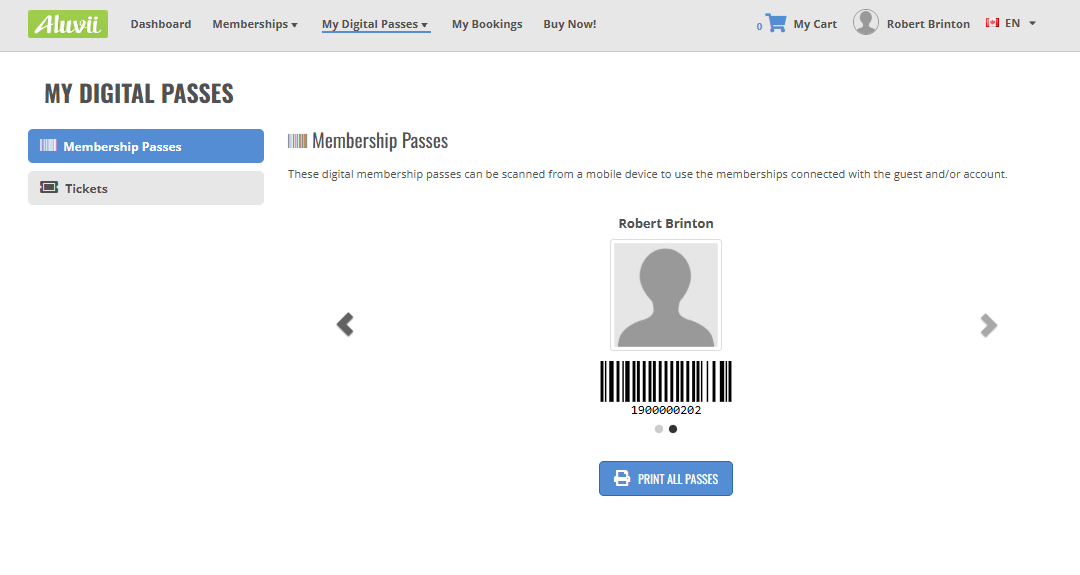
IMPORTANT NOTE: If no barcode is displayed for a guest, it means there are currently no memberships linked to that guest.
Tickets
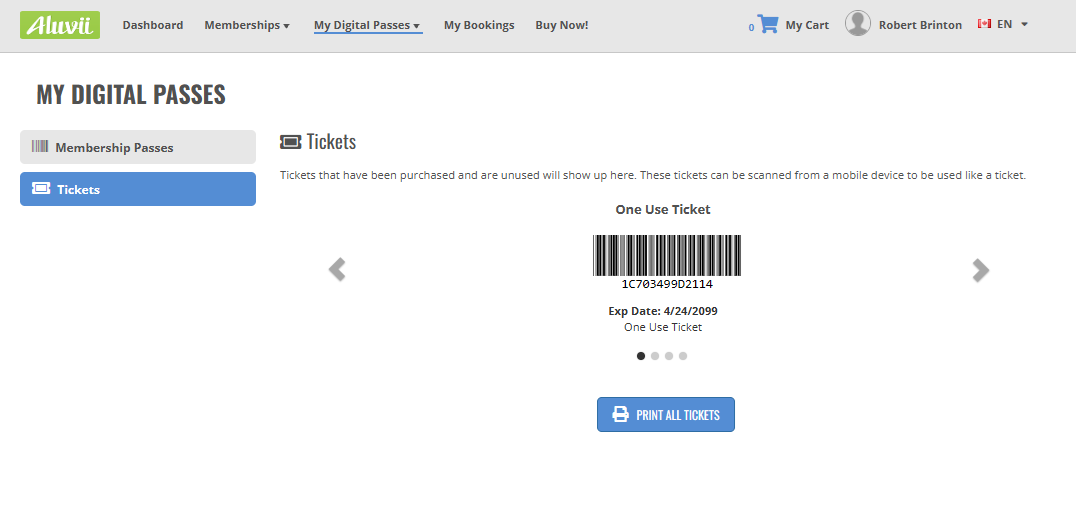
Any tickets that have been purchased associated with your account will appear in this section. Each ticket includes a scannable barcode that can be presented directly from a mobile device and scanned at the point of entry. You can click the Print All Passes button if you wish to download a copy of all your tickets to your computer or phone.
Comments
Article is closed for comments.